Chatbot App
A full-stack AI-powered chatbot, designed for fast, friendly, and interactive support.
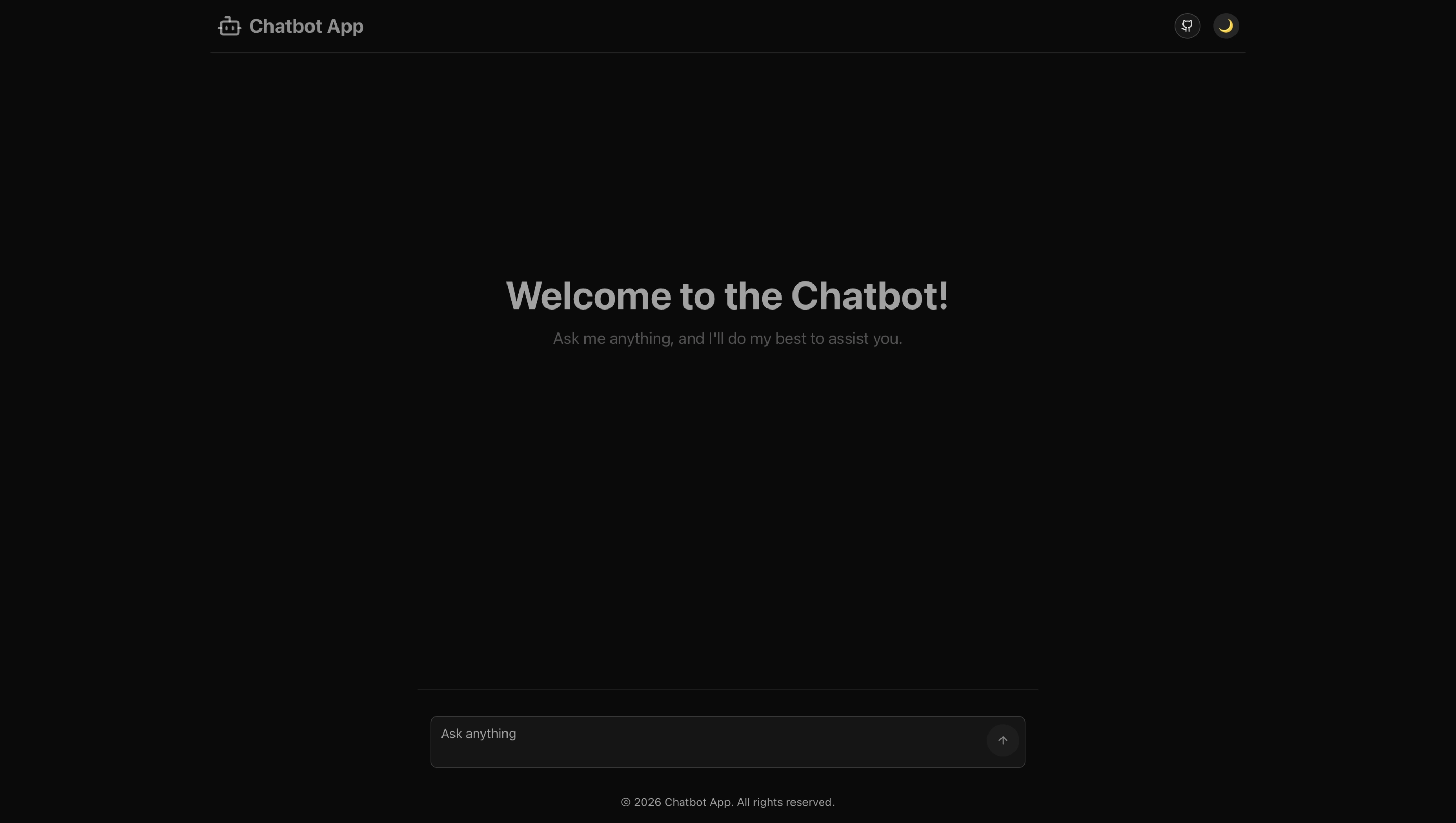
Tech Stack Overview







Functionality
- Conversational AI: Context-aware, multi-turn chat.
- Rich Formatting: Tables, lists, code, images, and more.
- User Experience: Fast, accessible, and visually appealing.
Project Structure
1. Client (/packages/client)
Description:
The client is a modern, responsive chat interface built with React and TypeScript. It renders markdown-formatted AI responses, supports theme toggling, and provides a smooth user experience.
Tech Stack:
- React (TypeScript)
- Vite
- Tailwind CSS
- react-markdown + remark-gfm
- Lucide Icons
- Bun (runtime & package manager)
Features
- Modern Chat UI: Responsive, theme-aware, and mobile-friendly.
- Markdown Support: AI responses use Markdown for rich formatting (tables, lists, code, etc.).
- Copy to Clipboard: Easily copy any AI response.
- Theme Toggle: Switch between light and dark mode.
- Audio Feedback: Sounds for sent/received messages.
- GitHub Link: Quick access to the project repo.
Directory Highlights:
src/components/— UI components (chat, layout, UI primitives)src/lib/— Types, utilities, and validationpublic/— Static assets (images, sounds).env— Environment variables (e.g., GitHub repo URL)
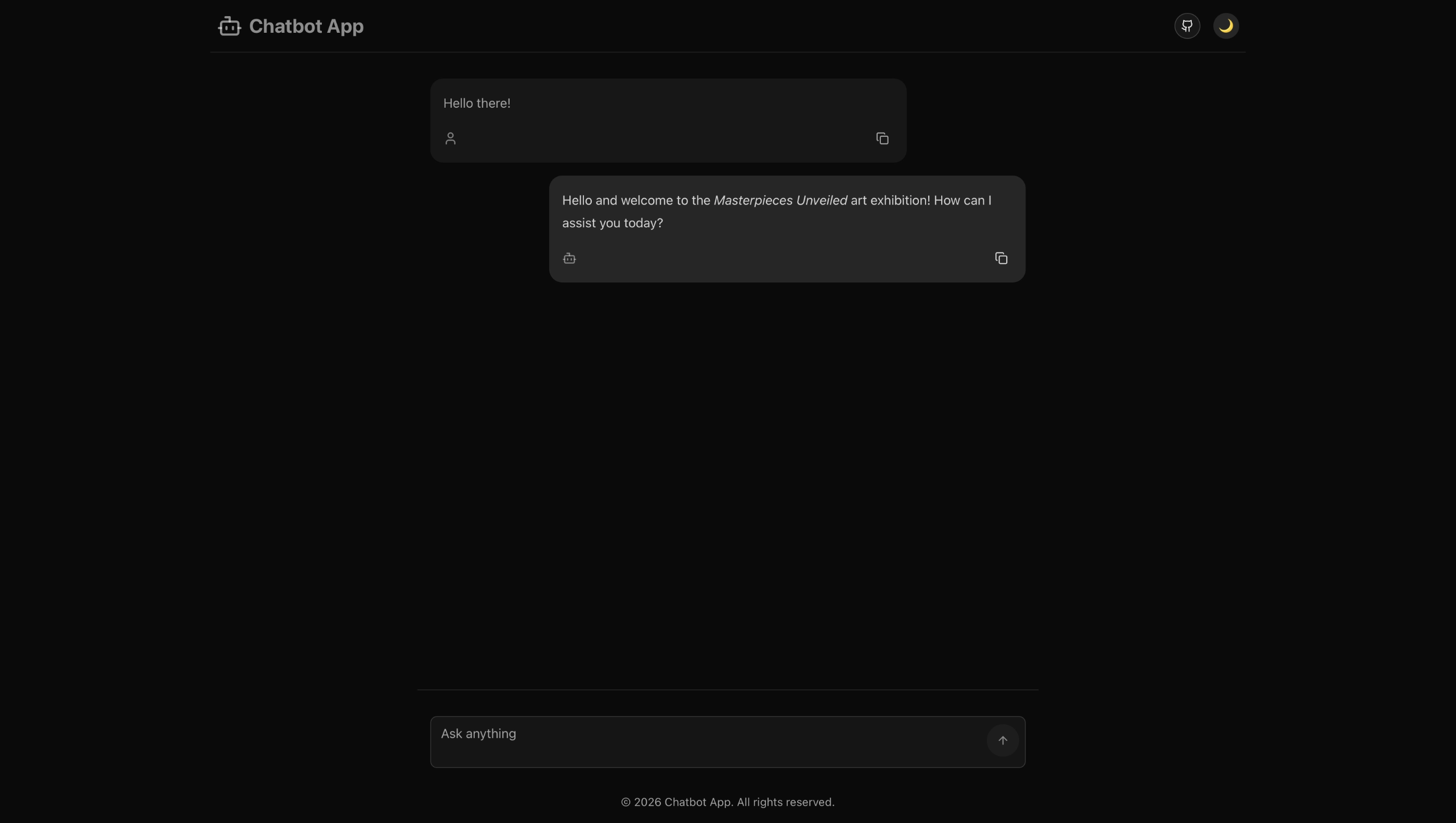
How It Works
- User types a question and presses send.
- The chatbot displays the user’s message and a typing indicator.
- The AI responds in Markdown (with tables, lists, code, etc.).
- Users can copy responses or switch themes at any time.
2. Server (/packages/server)
Description:
The server is a Bun-based TypeScript backend that manages chat sessions, injects system prompts, and communicates with the Anthropic Claude API (or other providers). It enforces markdown formatting and handles security and rate limiting.
Tech Stack:
- Bun (runtime & package manager)
- TypeScript
- Anthropic Claude API (modular provider)
- Custom Middleware (CORS, rate limiting, error handling)
- REST API (express-like routing)
Additional Tech Used
- helmet: Secures HTTP headers for the server, mitigating common web vulnerabilities.
- zod: Provides schema validation for API payloads, ensuring robust and type-safe request/response validation.
- anthropic SDK: Used to interact with the Anthropic Claude API, enabling advanced AI chat capabilities.
These tools further enhance the security, reliability, and AI integration of the server.
Features
- AI Integration: Connects to Anthropic Claude (or other providers).
- Markdown Enforcement: System prompt ensures all AI replies use Markdown.
- Conversation Management: Tracks sessions and context.
- Rate Limiting & Security: Protects API endpoints.
- Custom Prompts: Easily edit system instructions and info.
API Flow
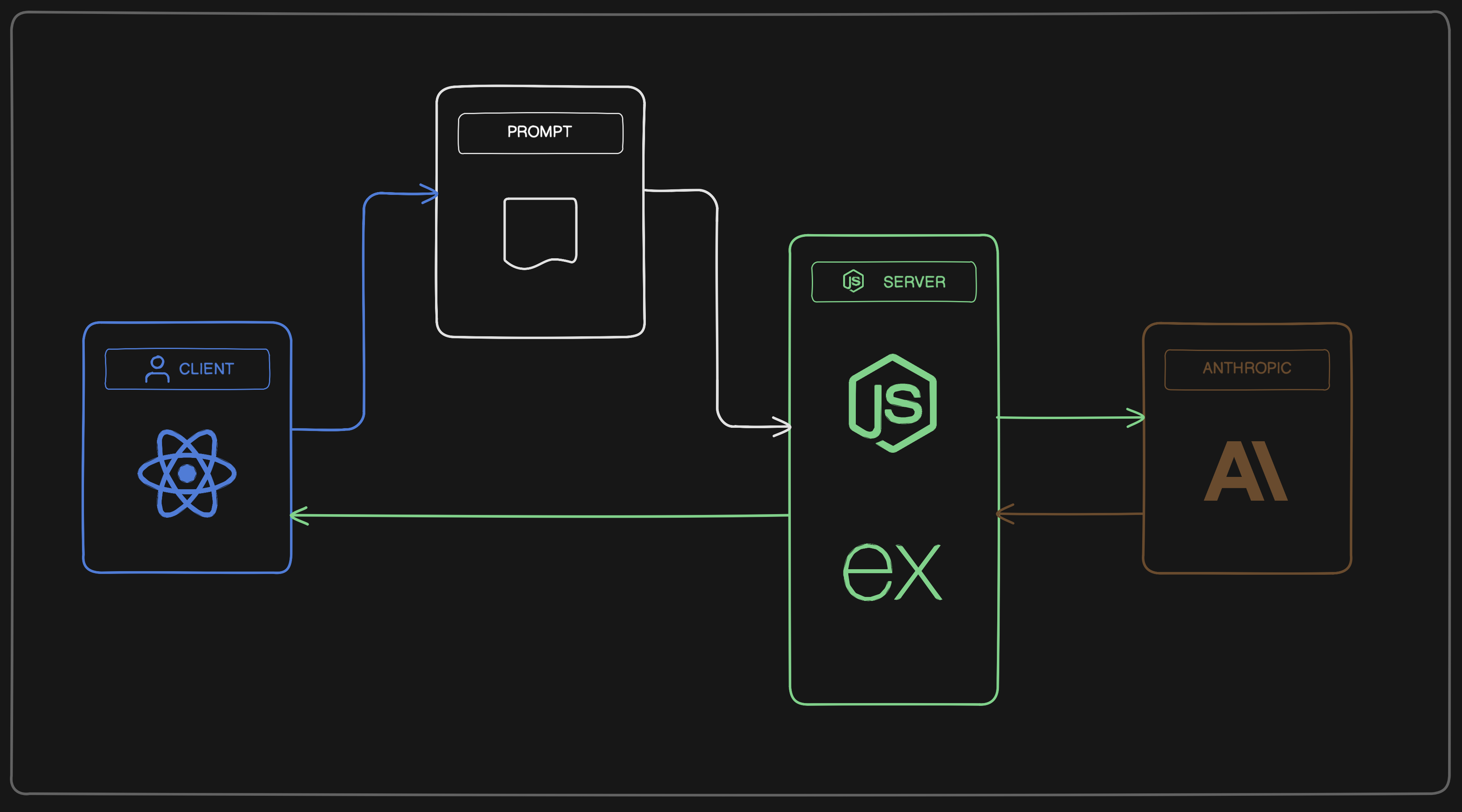
- Receives chat requests from the client.
- Injects system instructions (from
/prompts/chatbot.txtandInfo.md). - Sends messages to the AI provider.
- Returns Markdown-formatted responses to the client.
Directory Highlights:
routes/— API endpoints (chat, health)services/— Chat orchestration and prompt logicproviders/— AI provider integrations and prompt templatesrepositories/— Conversation/session storagemiddleware/— Security and error handling.env— API keys and configuration
API Endpoints
Health Check
GET /health
- Description: Verifies server is running.
- Response:
{
  "status": "ok"
}
Chat
POST /api/chat
-
Description: Starts or continues a chat conversation with the AI.
-
Request Body:
{
  "message": "Your question here",
  "conversationId": "optional-conversation-id",
  "maxTokens": 500
}- Response:
{
  "response": "Markdown-formatted answer",
  "conversationId": "conv_123",
  "usage": {
    "inputTokens": 10,
    "outputTokens": 50
  }
}
Stream Chat
POST /api/chat/stream
-
Description: Streams the AI response in real-time using Server-Sent Events (SSE).
-
Request Body:
{
  "message": "Hello",
  "maxTokens": 500
}- Response:
data: {"chunk":"Hello"}
data: {"chunk":" there"}
data: [DONE]
Get Conversation
GET /api/chat/conversation/:conversationId
-
Description: Returns the full conversation history for the given ID.
-
Response:
{
  "conversationId": "conv_123",
  "messages": [
    {"role": "user", "text": "Hello"},
    {"role": "assistant", "text": "Hi there!"}
  ]
}
Clear Conversation
DELETE /api/chat/conversation/:conversationId
-
Description: Clears a specific conversation.
-
Response:
{
  "message": "Conversation cleared successfully",
  "conversationId": "conv_123"
}
Clear All Conversations
DELETE /api/chat/conversations
-
Description: Clears all conversations from memory.
-
Response:
{
  "message": "All conversations cleared successfully"
}